Blog
ChatFlows guides for WhatsApp on Shopify
Step-by-step guides for running WhatsApp on your Shopify store with ChatFlows: what to set up, the exact steps in the app, and the limits stated up front.
All guides

WhatsApp setup ·
How to manage multiple WhatsApp numbers for one Shopify store with ChatFlows
Use separate WhatsApp numbers for sales and support in one Shopify store: how many you can add, how to connect them, templates, the inbox and reports.
Orders ·
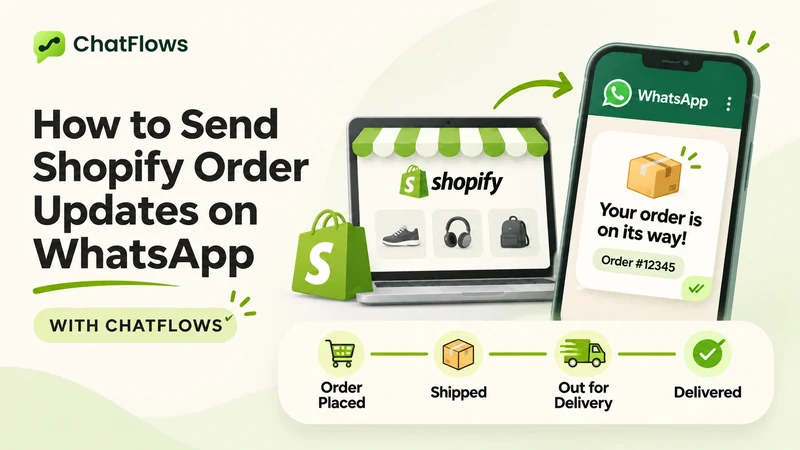
How to send Shopify order updates on WhatsApp with ChatFlows
Set up WhatsApp messages for Shopify order events, from order placed to delivered: what you need, the steps, the order details you can add and the limits.
Cart recovery ·
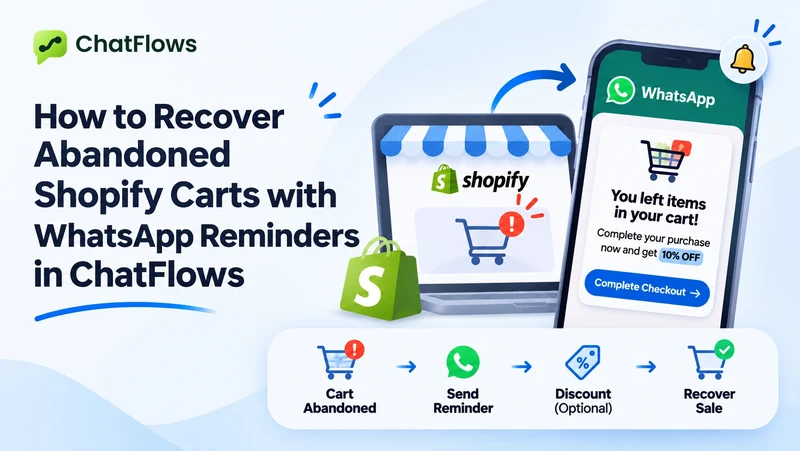
How to recover abandoned Shopify carts with WhatsApp reminders in ChatFlows
Send WhatsApp cart reminders with a link back to checkout: setup steps, how long to wait, a second reminder done right, discount codes and how to measure it.

Costs ·
How much does WhatsApp cost for a Shopify store with ChatFlows?
What you pay to use WhatsApp with Shopify and ChatFlows: your plan, Meta's message fees, which messages are free, and how to keep your WhatsApp bill low.

Marketing ·
How to send WhatsApp marketing campaigns to Shopify customers with ChatFlows
Send a WhatsApp offer or announcement to your Shopify customers: choose the campaign type and audience, schedule it, read the results and fix failed messages.
Next
Try it on your store.
Paid plans start with a 14-day free trial, billed through Shopify.