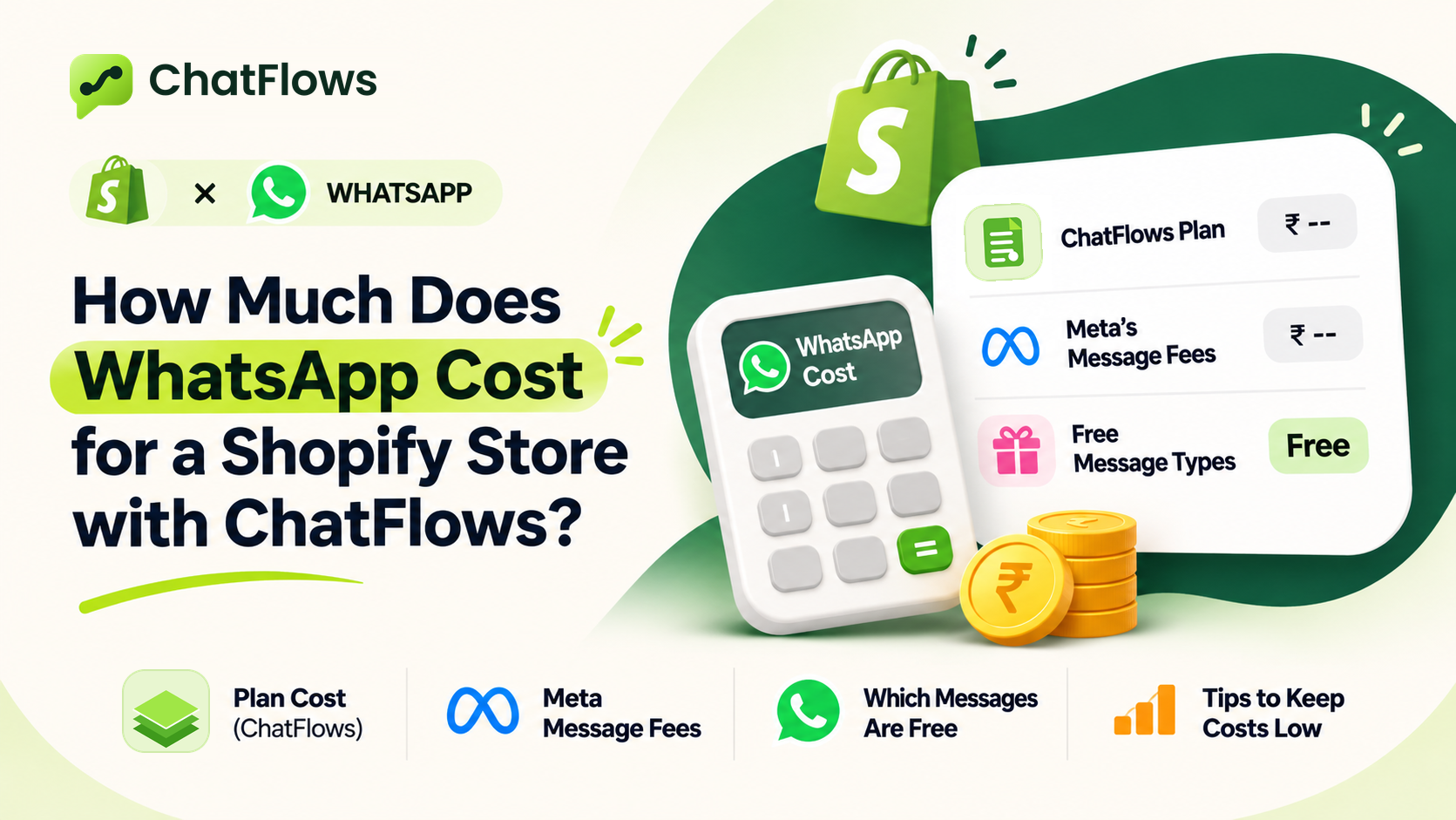
What do you pay for when you use WhatsApp with ChatFlows?
- Your ChatFlows plan. Shopify bills it together with your other app charges. See the plans and prices.
- WhatsApp message fees. Meta bills these directly to your WhatsApp Business account. ChatFlows does not add anything on top.
These are two separate bills. This guide explains the second one: what Meta charges for your WhatsApp messages.
What does Meta charge for?
Meta charges for template messages that are delivered. A template is a ready-made message that Meta checks and approves before you can send it. Any message you send first, before the customer writes to you, must be a template.
The price of each template message depends on two things: its category and the customer's country. The same message can cost several times more in one country than in another.
| Category | Shopify examples | When Meta charges |
|---|---|---|
| Marketing | Cart reminders, offers, new products, campaigns | Always, even within 24 hours of a customer's message |
| Utility | Order placed, shipped, delivered, COD payment received | Only when sent more than 24 hours after the customer's last message |
| Authentication | Login codes sent by text message | Only when sent more than 24 hours after the customer's last message |
| Service | Your own replies to customer questions | Never |
Which WhatsApp messages are free?
- Every message a customer sends you.
- Your replies within 24 hours of a customer's last message, written in your own words. This includes text, photos and files.
- Utility templates, such as an order update, sent within those 24 hours.
- Messages that are not delivered. Meta only charges when a message reaches the customer's phone.
This means normal chats with customers cost nothing. Your bill comes from the templates you send first, and Marketing templates cost the most.
How do you estimate your monthly WhatsApp bill?
Count your messages
Count how many messages of each kind you send in a month: order updates, cart reminders and campaigns.
Find Meta's rates
Look up Meta's rate for each category in your customers' countries, on Meta's pricing page.
Multiply and add
Multiply each count by its rate, then add the results together. Leave out your replies within 24 hours, because they are free.
Illustration with example data. Imagine a store with 300 orders and 200 abandoned carts in one month, which also sends one campaign to 1,000 customers. Here is what it sends:
| Message type | How many | Category | Does Meta charge? |
|---|---|---|---|
| Order updates: placed, shipped and delivered (3 for each of the 300 orders) | 900 | Utility | Yes, at the lower Utility rate. Free if sent within 24 hours of the customer's message. |
| Cart reminders (1 for each of the 200 carts) | 200 | Marketing | Yes, at the higher Marketing rate |
| One campaign to 1,000 customers | 1,000 | Marketing | Yes, at the higher Marketing rate |
| Your replies to customer questions | Any number | Service | No, free within 24 hours |
To get the bill, multiply each line by Meta's rate for that category in your customers' country, then add the results together. In this example, the campaign alone is 1,000 Marketing messages: more messages than all the order updates, at the higher rate. So the campaign would be the biggest part of the bill. Use your own store's numbers to estimate yours.
Where do you see what Meta charged you?
In ChatFlows, open Reports. The data comes straight from Meta, so it matches Meta's billing records.
- Amount spent: the total Meta charged for the dates you choose.
- Cost per paid message: the average cost of each paid message.
- Messages: all the messages Meta counted, including free ones.
- Cost by category: how much you spent on Marketing, Utility, Authentication and Service messages.
Use the Account selector to choose a WhatsApp number, and the date range to choose the period. Click Refresh to get the latest data from Meta.
Meta sends the bill to your WhatsApp Business account. Add a payment method in Meta's WhatsApp Manager. Without one, Meta may stop your template messages from sending.
How can you keep your WhatsApp costs low?
- Send campaigns to the right customers. Choose a group that wants the offer instead of sending it to everyone. Campaigns are usually the biggest cost.
- Keep order updates about the order. Order updates fit the Utility category. If you add offers to them, Meta may treat them as Marketing, which costs more.
- Reply to customers quickly. Your replies within 24 hours of their message are free.
- Limit cart reminders. One or two reminders per cart is usually enough. See how to recover abandoned carts.
- Check Reports every week to see which category costs you the most.
Sources
- Meta: WhatsApp Business Platform pricing, checked November 17, 2026
- Meta: Template categorization, checked November 17, 2026